How To See Your YouTube Subscriptions List
 1
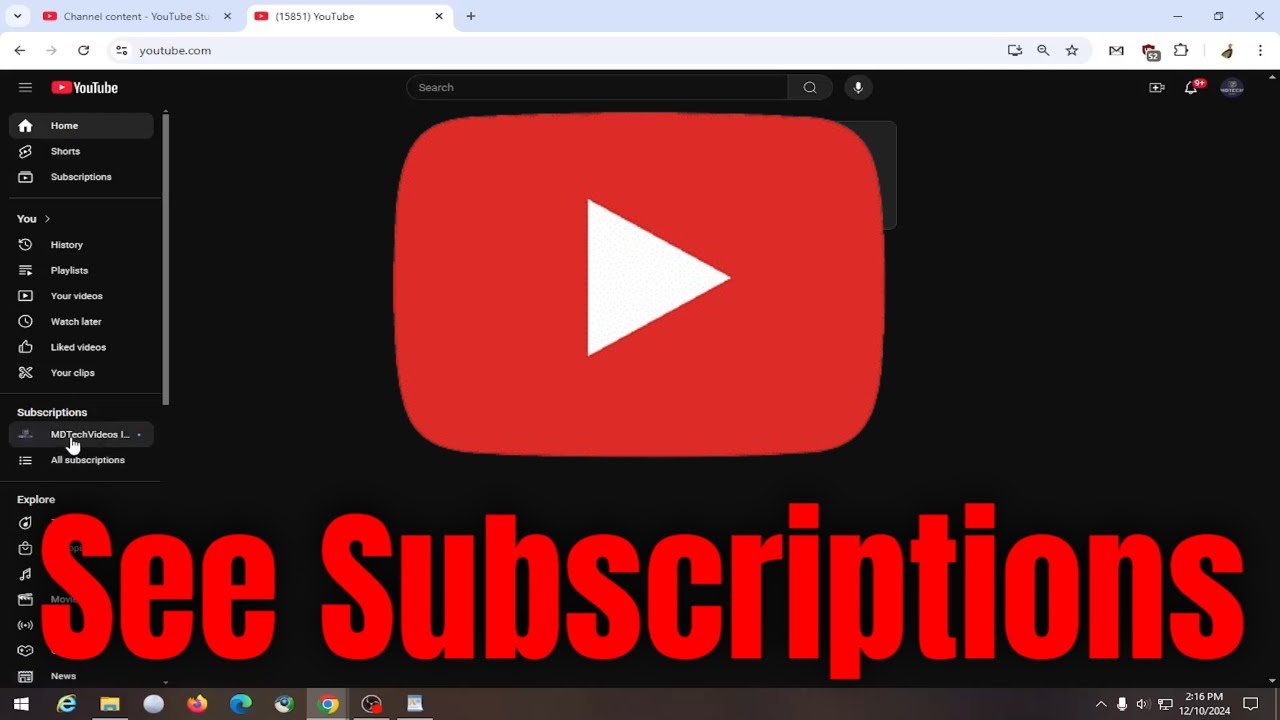
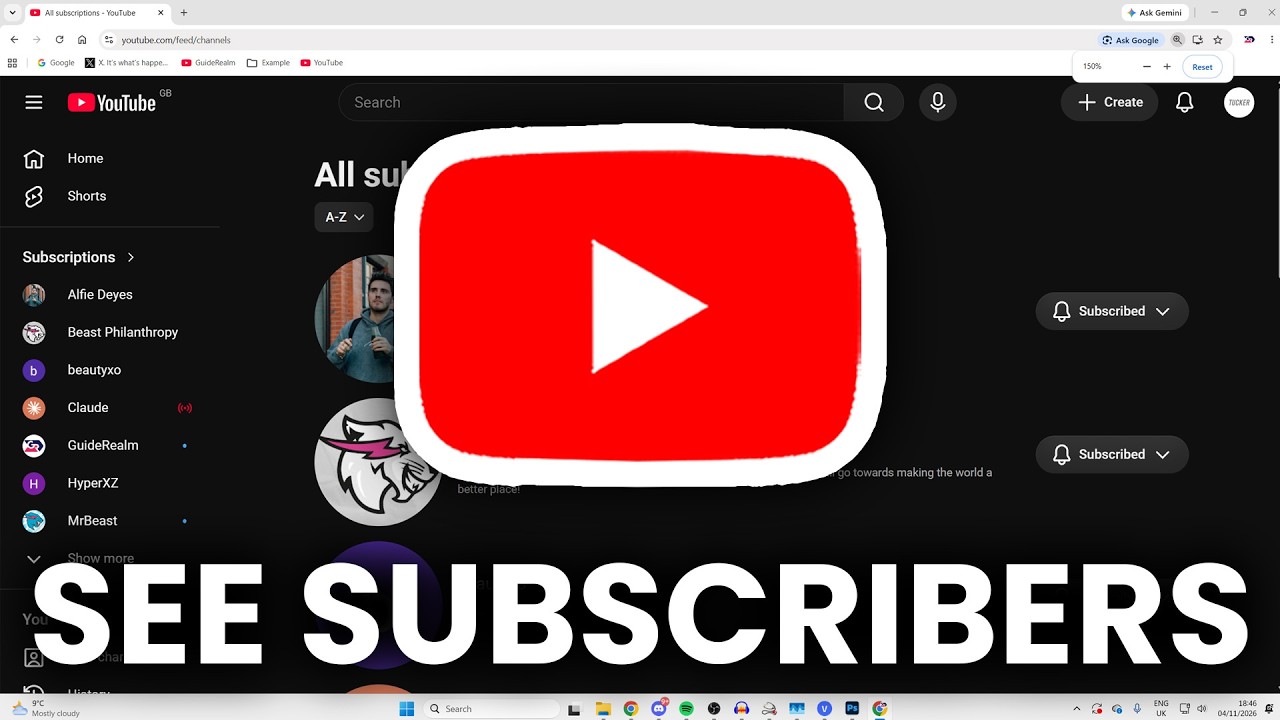
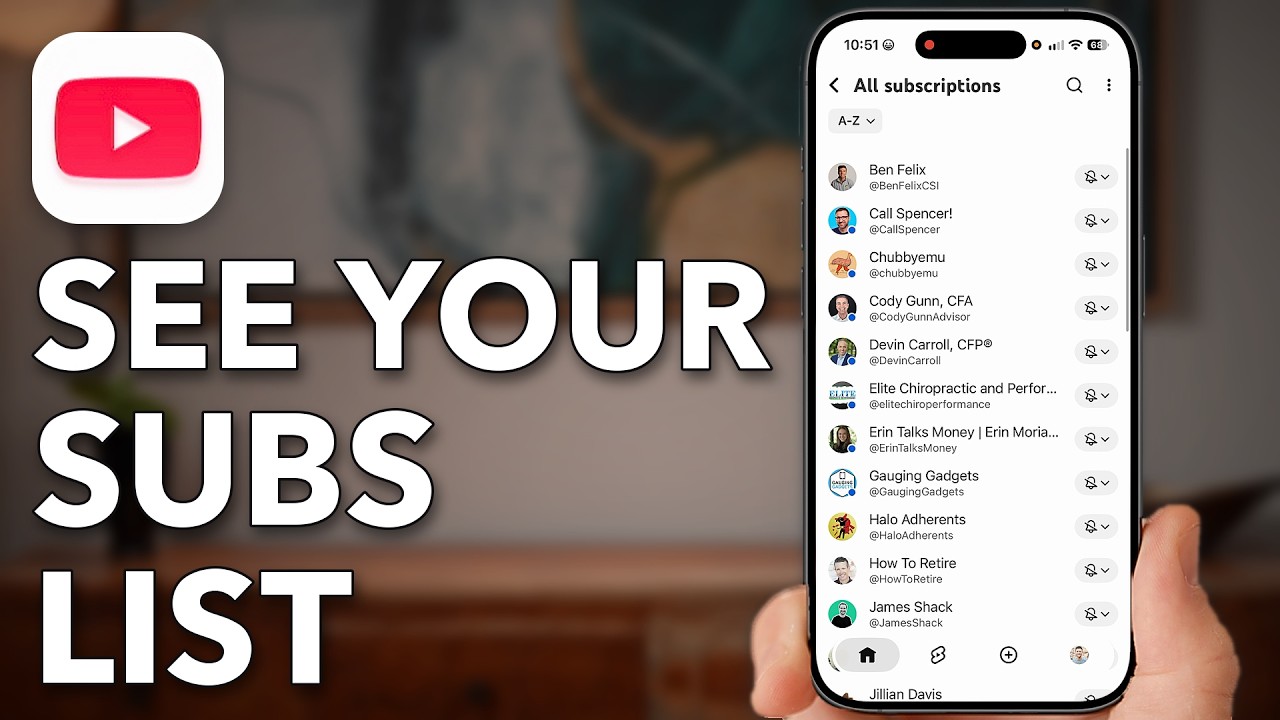
Download the full PDF guide for this video (free): https://trevornace.com/how-to-see-your-youtube-subscriptions-list/ Find your YouTube subscriptions list on an iPhone, Android phone or computer. YouTube moved the full list of channels you subscribe to inside the app, under Subs, where you can sort it A to Z or by new activity. The same list is on the youtube.com mobile site and on the desktop site, where All subscriptions sits in the side menu. Shown on an iPhone 18 Pro running iOS 27 in the YouTube app and Safari. The app steps are the same on Android. 0:00 YouTube Subscriptions List 0:10 Find The List In The App 0:29 See The List In A Browser 0:54 See The List On A Computer MORE HELP Official website: https://trevornace.com/iphone/ Have an Android phone? Check out my Android channel: https://www.youtube.com/@trevorsandroid Subscribe: https://www.youtube.com/@trevornace?sub_confirmation=1 TikTok: https://www.tiktok.com/@trevornace1 Facebook: https://www.facebook.com/trevornace10/ Instagram: https://www.instagram.com/trevornaceyoutube I hope this video helped. If you're still stuck, leave a comment below and I'll try to help.